
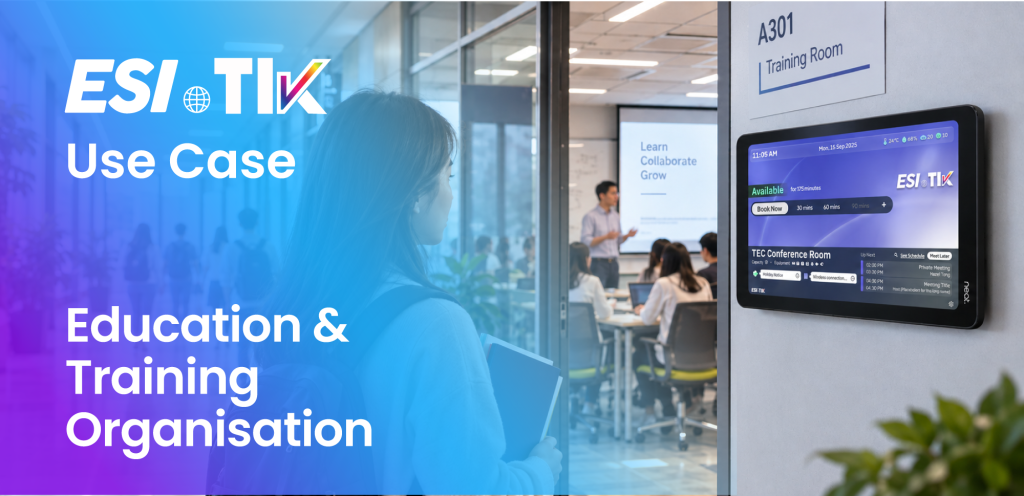
Universities, training centres and corporate learning teams use a classroom booking system to coordinate classes, workshops, examinations and internal training sessions across rooms with different capacities and equipment.
The Challenge
A single programme may require multiple rooms, recurring dates, external guests and specific equipment.
One unavailable room or schedule change can affect part of a booking series. Administrators must identify the affected occurrences without unnecessarily changing the remaining sessions.
How ESI-TIK Classroom Booking System Helps
With the ESI-TIK classroom booking system, coordinators can search for rooms based on date, time, capacity, location, equipment and video-conferencing requirements.
Series booking supports recurring schedules. Before confirmation, ESI-TIK can check the availability of each occurrence and distinguish available dates from conflict dates.
For broader room management capabilities, explore the ESI-TIK room booking system.
Coordinators can review exceptional occurrences, adjust an individual session or manage the wider series. Approval workflows can also support recurring requests where controlled spaces require authorization.
For larger scheduling exercises, batch-booking capabilities can validate booking data, check room availability and create multiple schedules.
Managing Booking Series and Schedule Changes
Classes and training programmes rarely follow a perfectly fixed schedule. A room may become unavailable on one date, a session may need different equipment, or an individual occurrence may move to another time or location. ESI-TIK allows coordinators to review each occurrence within a booking series and adjust only the affected session without rebuilding the entire schedule.
Availability and conflict checks help administrators identify issues before confirming the series, while approval workflows can still be applied where specific rooms require authorization. For larger programmes, batch-booking and reservation import capabilities can also reduce repetitive administrative work when multiple sessions need to be created or updated together.
Staff and authorized users can use the ESI-TIK AI Agent through WhatsApp or Microsoft Teams to :
- check programme schedules
- search for available room
- make individual room bookings through conversation.
Organizations using Microsoft 365 can find ESI-TIK on Microsoft Marketplace.
Key Outcome
Plan the complete series, manage exceptions and make schedule information easier to access.
Featured Capabilities
- Series booking
- Occurrence-level availability checking
- Series conflict and exception handling
- Individual-occurrence or whole-series management
- Recurring-series approval workflow
- Batch schedule validation and creation
- Multi-room booking
- Capacity and equipment-based room search
- Agenda, attachment and service add-on support
- Internal attendee and external guest management
- Operational overview calendar
- Room utilization and attendance analytics
- AI Agent schedule enquiry through WhatsApp and Microsoft Teams
- Conversational booking for individual room requirements
Business Value
- Simplifies recurring and high-volume scheduling
- Identifies exceptional occurrences before a series is confirmed
- Avoids unnecessary changes to unaffected sessions
- Makes schedule information accessible through familiar communication channels
- Gives training and facility administrators clearer operational visibility
- Supports better planning of rooms and equipment
Why ESI-TIK
From Room Booking to Conversational Workplace Operations
As part of ESI-TIK’s wider 智能工作间与设施管理平台, the classroom booking system supports the complete shared-space journey:
Ask → Discover → Book → Manage the Series → Approve → Check In → Find the Room → Release Unused Time → Analyse Usage
Key strengths include:
- ISO/IEC 27001:2022 certification
- Conversational AI booking through WhatsApp and Microsoft Teams
- Natural-language schedule enquiries
- One consistent room-booking experience
- Enterprise calendar and identity integration
- Series booking and occurrence-level conflict management
- Approval, role and permission governance
- Interactive maps and physical wayfinding
- Check-in, no-show and early-release controls
- Operational calendars and management analytics
- Flexible configuration for different workplace policies
Book through conversation. Manage every series. Make every shared space work smarter
Contact us to arrange a tailored demonstration of ESI-TIK’s web, WhatsApp and Microsoft Teams booking experiences.
Media Contact
ESI Asia
邮箱: [email protected]
Phone: +852 2508 2132
Website: www.esi-asia.com 是一个电子商务网站
Stay Connected with ESI
Never miss an ESI update! Subscribe to our newsletter by sharing your email address via WhatsApp.
Subscribe via WhatsApp